What you'll learn
Basic Computer Course – Course Description
This Basic Computer Course is designed for beginners who want to develop essential computer skills for daily use, studies, and office work. The course provides hands-on training to help learners confidently use a computer and common software applications.
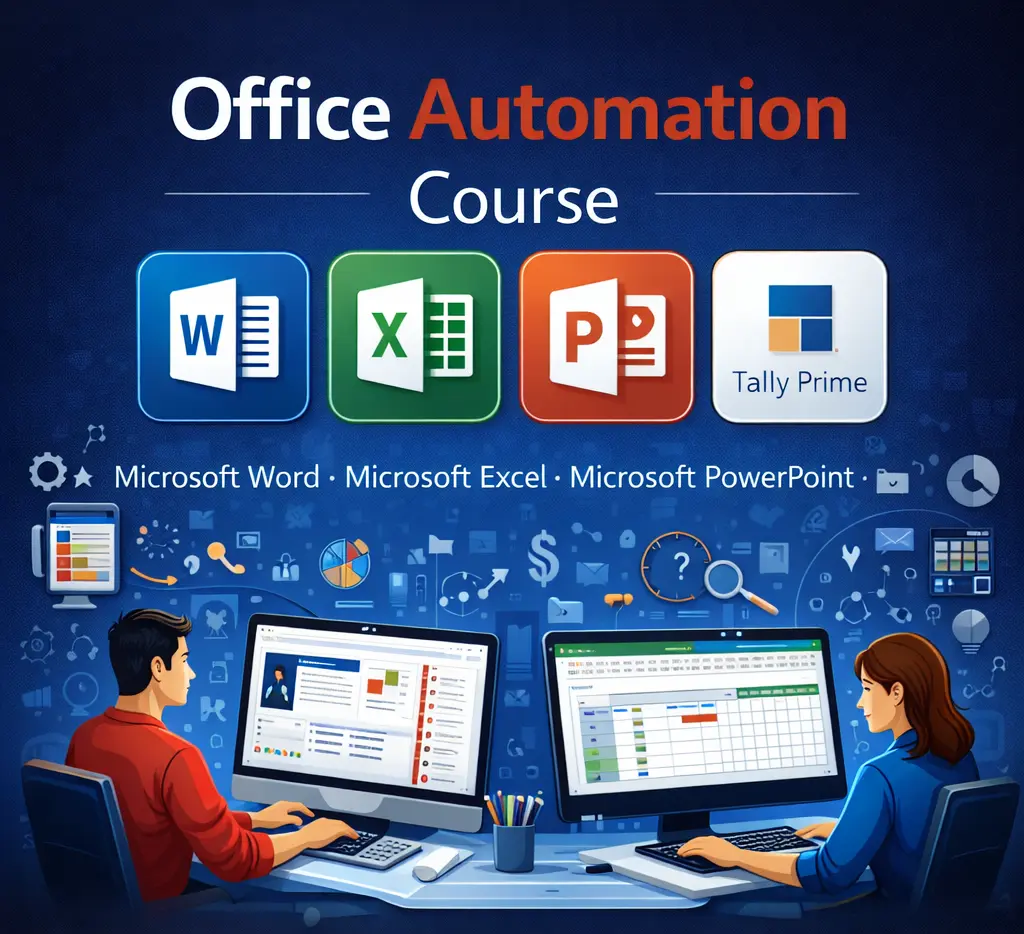
Students will learn MS Word for document creation and formatting, MS Excel for basic calculations and data handling, and MS PowerPoint for creating simple and effective presentations. The course also covers basic internet skills, including web browsing, email usage, online safety, and digital communication.
By the end of the course, learners will be able to operate a computer independently, prepare documents, manage basic data, create presentations, and use the internet safely and efficiently. This course is ideal for students, job seekers, homemakers, and anyone with little or no computer knowledge.
Show More
Course Syllabus
Course Overview
The Basic Computer Course is a beginner-level program designed to provide essential computer skills for students, job seekers, homemakers, and working professionals. This course focuses on practical knowledge of computers, office applications, and basic internet usage required for daily, academic, and office work.
Course Details
- Course Name: Basic Computer Course
- Duration: 2 Months
- Total Lectures: 40
- Days: Monday to Friday (Saturday & Sunday Off)
- Mode: Practical + Theory
- Certification: Yes
Module 1: Computer Fundamentals
- Introduction to Computers
- Types of Computers (Desktop, Laptop, Tablet)
- Basic Parts: CPU, Monitor, Keyboard, Mouse
- Hardware and Software
- Operating System overview
- Safe startup and shutdown of computer
Module 2: Windows Operating System & File Management
- Windows desktop, taskbar, and start menu
- File and folder creation, renaming, deleting
- Copy, cut, paste operations
- Recycle Bin usage
- Basic system settings
Module 3: MS Word (Word Processing)
- MS Word interface and tools
- Creating, saving, and opening documents
- Text formatting (font, size, color, styles)
- Paragraph alignment and spacing
- Page setup (margins, orientation, size)
- Bullets and numbering
- Tables, images, symbols insertion
- Header, footer, and page numbers
- Spell check and grammar
- Printing documents
Module 4: MS Excel (Spreadsheet Basics)
- Introduction to MS Excel
- Workbook and worksheet
- Rows, columns, and cells
- Data entry and editing
- Basic formulas and functions (SUM, AVERAGE, COUNT)
- Cell formatting
- Sorting and filtering data
- Creating simple charts
- Printing Excel sheets
Module 5: MS PowerPoint (Presentation Skills)
- PowerPoint interface
- Creating presentations
- Slide layouts and designs
- Adding text, images, and shapes
- Themes and backgrounds
- Animations and slide transitions
- Slide show and presentation settings
Module 6: Basic Internet Skills
- Introduction to Internet and web browsers
- Using search engines effectively
- Creating and using email
- Sending emails with attachments
- Downloading and uploading files
- Filling online forms
- Basic cyber safety and internet awareness
Module 7: Practical Training & Assessment
- Practical exercises on MS Word, Excel, and PowerPoint
- Real-life practice tasks
- Revision of all modules
- Final assessment
Learning Outcomes
After completing this course, students will be able to:
- Operate a computer independently
- Create documents, spreadsheets, and presentations
- Use the internet and email confidently
- Apply basic computer skills in office and daily work

 Bestseller