
Best Seller Icon Bestseller

Certificate In Office Automation(S-COA-1105)

  • Last updated Nov, 2026
  • Certified Course
₹4,500 ₹5,000

Course Includes

  • Duration3 Months
  • Enrolled0
  • Lectures60
  • Videos0
  • Notes0
  • CertificateYes

What you'll learn

Office Automation Course in Mayur Vihar, Delhi

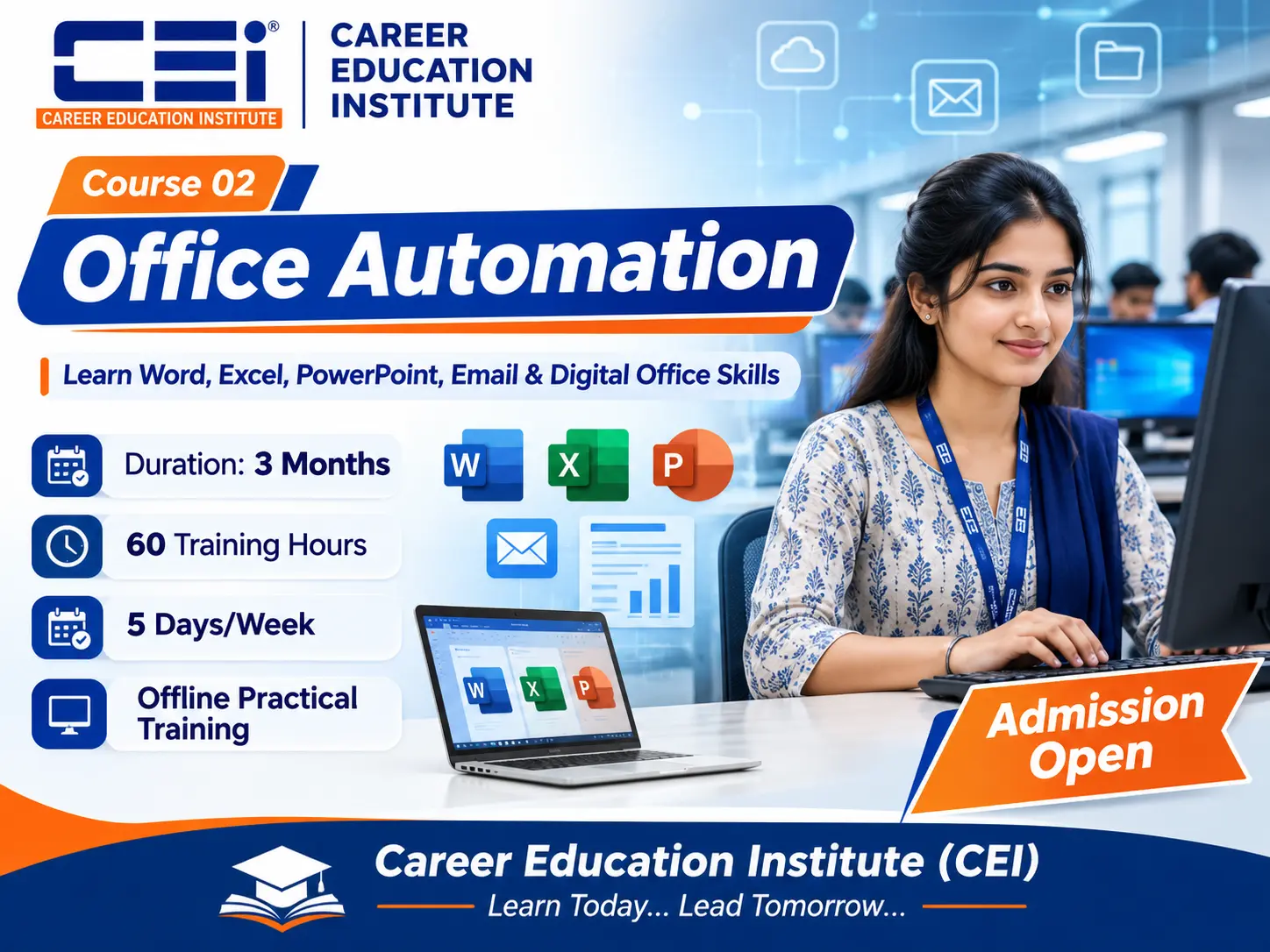
Enhance your computer and professional office management skills with the Office Automation Course at Career Education Institute (CEI), Mayur Vihar Phase 1, Delhi. Established in 2006, CEI provides practical, career-oriented computer education to help learners develop essential workplace skills.

This 3-month certificate course is designed for students, job seekers, working professionals, business owners, homemakers and individuals who want to improve their computer proficiency and office productivity.

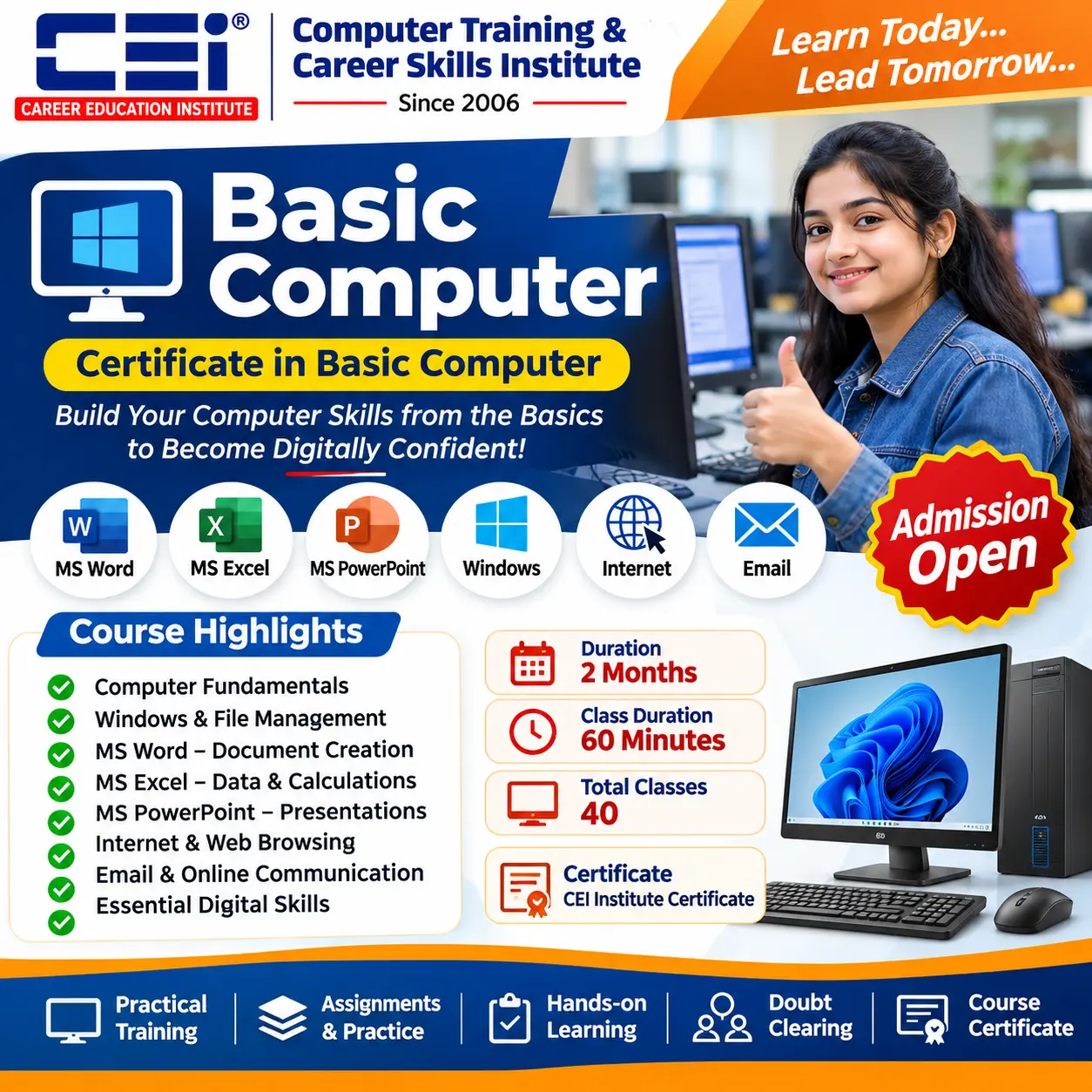
The course covers Computer Fundamentals, Windows and File Management, Microsoft Word, Microsoft Excel, Microsoft PowerPoint, Mail Merge, Internet Browsing, Email Communication, Digital Documentation and Essential Office Skills.

Students gain hands-on experience in preparing professional documents, managing spreadsheets, creating presentations, maintaining digital records, generating reports and performing routine administrative tasks.

Course Highlights

  • Duration: 3 Months
  • Total Training Hours: 60 Hours
  • Class Duration: 60 Minutes
  • Classes: 5 Days a Week
  • Training Mode: Offline Classroom and Computer Lab
  • Practical Microsoft Office Training
  • Professional Documentation and Reporting
  • Regular Assignments and Practical Projects
  • Experienced Computer Trainers
  • Air-Conditioned Computer Lab
  • Doubt-Clearing Support
  • Objective and Practical Assessment
  • CEI Course Completion Certificate

Career Opportunities

The Office Automation Course develops practical skills useful for entry-level employment and career development in roles such as:

  • Office Assistant
  • Computer Operator
  • Data Entry Operator
  • Administrative Assistant
  • Back Office Executive
  • Documentation Assistant
  • Office Support Executive

If you are looking for an Office Automation Course, Microsoft Office training or professional computer classes in Mayur Vihar and East Delhi, CEI offers structured learning and practical training to help you develop workplace-ready digital skills.

Institute: Career Education Institute (CEI)

Location: D-35, Acharya Niketan, Near Kukreja Hospital, Mayur Vihar Phase 1, New Delhi – 110091.

Website: www.ceiedu.in

Learn Today… Lead Tomorrow…

Show More

Course Syllabus

Office Automation Course – Detailed Syllabus

Duration: 3 Months

Total Lectures: 60

Training Hours: 60 Hours

Training Mode: Theory and Practical

Module 1: Computer Fundamentals

  • Introduction to Computers and Their Applications
  • Computer Hardware and Software
  • Input and Output Devices
  • CPU, Memory and Storage Devices
  • Operating System Fundamentals
  • Applications of Computers in Office Management

Module 2: Windows & File Management

  • Microsoft Windows Interface and Settings
  • Desktop, Taskbar and Start Menu
  • File and Folder Management
  • File Searching and Organization
  • File Compression and Extraction
  • Installing and Managing Applications
  • Keyboard Shortcuts
  • Printer and Scanner Management
  • Digital File Organization for Office Work

Module 3: Microsoft Word

  • Creating, Editing and Formatting Documents
  • Font and Paragraph Formatting
  • Styles, Themes and Templates
  • Bullets, Numbering and Multilevel Lists
  • Tables, Pictures, Shapes and SmartArt
  • Page Layout, Margins and Orientation
  • Headers, Footers and Page Numbers
  • Page Breaks and Section Breaks
  • Find and Replace
  • Spelling and Grammar Check
  • Mail Merge, Letters, Labels and Envelopes
  • Track Changes and Comments
  • Document Protection
  • Print Preview and Printing
  • Professional Letters, Resumes, Notices and Reports

Module 4: Microsoft Excel

  • Introduction to Workbooks and Worksheets
  • Data Entry and Cell Formatting
  • Relative, Absolute and Mixed Cell References
  • Mathematical and Logical Operators
  • SUM, AVERAGE, MIN, MAX and COUNT Functions
  • IF, COUNTIF and SUMIF Functions
  • Basic Text and Date Functions
  • Sorting and Filtering
  • Conditional Formatting
  • Data Validation
  • Excel Tables
  • Charts and Graphs
  • Introduction to PivotTables
  • Worksheet Protection
  • Page Setup and Printing
  • Practical Attendance Sheets, Salary Sheets, Expense Reports and Student Records

Module 5: Microsoft PowerPoint

  • Creating Professional Presentations
  • Slide Layouts, Themes and Templates
  • Text, Images, Shapes and SmartArt
  • Inserting Tables and Charts
  • Audio and Video Integration
  • Slide Transitions and Animations
  • Slide Master Fundamentals
  • Presenter View and Slide Show
  • Presentation Design Techniques
  • Printing and Exporting Presentations
  • Business and Educational Presentation Projects

Module 6: Internet & Web Browsing

  • Internet Fundamentals and Web Browsers
  • Search Engines and Effective Searching
  • Online Forms and Applications
  • Downloading and Uploading Documents
  • Online Office and Government Services
  • Introduction to Cloud-Based Applications
  • Safe and Secure Internet Browsing

Module 7: Email & Online Communication

  • Creating and Managing Email Accounts
  • Professional Email Writing
  • CC, BCC and File Attachments
  • Email Signatures
  • Email Organization, Labels and Filters
  • Managing Contacts and Calendars
  • Online Meetings and Video Conferencing
  • Professional Communication Etiquette
  • Spam, Phishing and Email Security

Module 8: Essential Digital Skills & Office Productivity

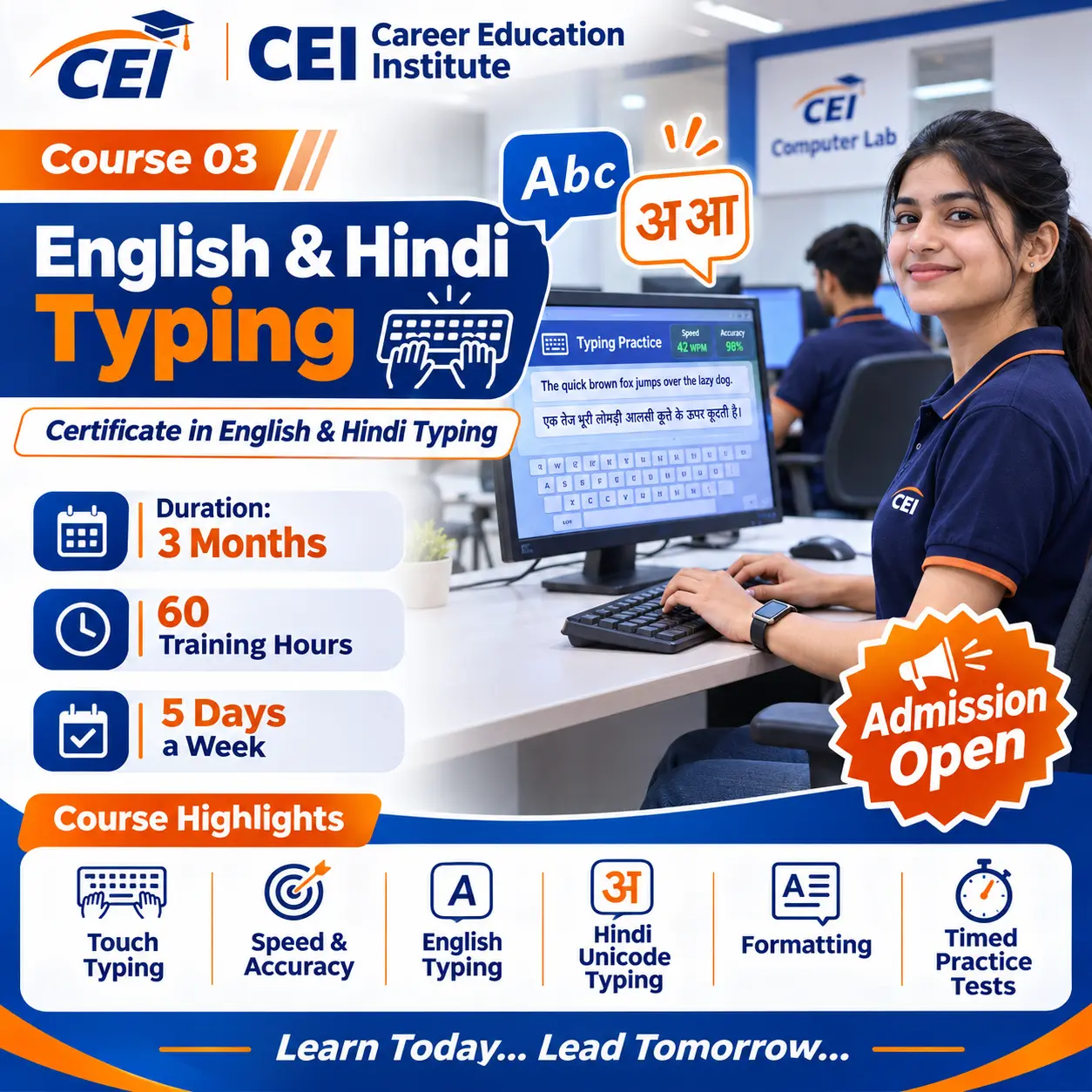
  • English and Hindi Typing Practice
  • PDF Creation, Merging and File Conversion
  • Printing and Scanning Documents
  • Cloud Storage and File Sharing
  • Digital Documentation and Record Management
  • Digital Payment Awareness and Safety
  • Data Backup and Recovery Fundamentals
  • Password Security and Data Privacy
  • Basic Computer Troubleshooting
  • Digital Office Workflow and Productivity

Practical Training and Assessment

  • Module-wise Practical Exercises
  • Professional Letter and Document Creation
  • Mail Merge Project
  • Excel Attendance and Salary Sheet Project
  • Office Reporting and Data Management
  • Business Presentation Project
  • Professional Email Communication
  • Integrated Office Automation Project
  • Objective Examination (MCQs)
  • Practical Examination

Learning Outcomes

After successful completion of this course, students will be able to create professional documents, manage spreadsheets, prepare office reports, design presentations, maintain digital records, communicate professionally and perform routine administrative and office-related computer tasks efficiently.

Eligibility

Who can apply for this course

  • Open to school students, college students, graduates, job seekers, working professionals, business owners and homemakers.
  • Basic reading and writing skills in Hindi or English are recommended.
  • Basic computer knowledge is preferred but not mandatory.
  • No prior experience with Microsoft Office applications is required.
  • Suitable for individuals interested in developing professional office management, documentation, spreadsheet, presentation and digital communication skills for employment and career development.

Course Fees

Course Fees
:
₹5000/-
Discounted Fees
:
₹ 4500/-
Course Duration
:
3 Months

Review

0.0
Course Rating (0 reviews)
0%
0%
0%
0%
0%


Call
Text Message
Review
Email
CHAT